
Bought a PHP or Laravel Script and Stuck? NewChild Can Help Get It Working
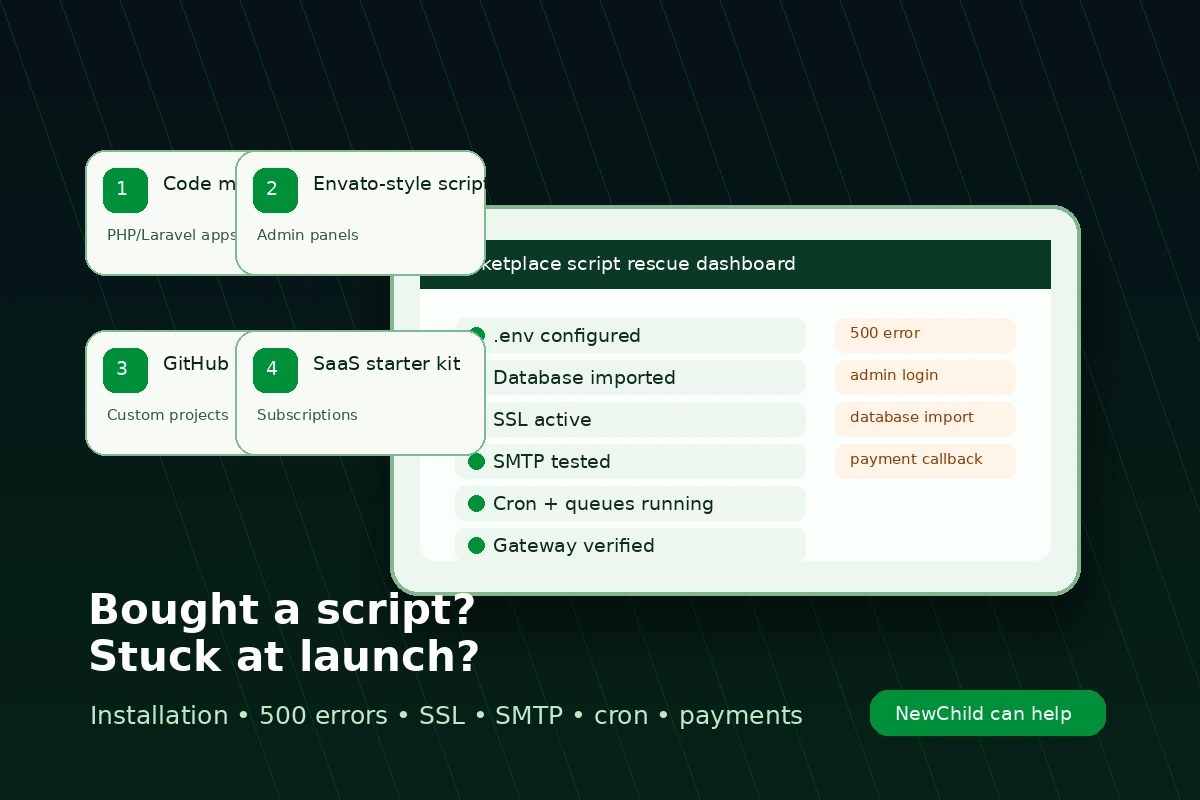
Bought a PHP, Laravel, CodeCanyon, Envato, or marketplace script and stuck with installation, 500 errors, database import, .env setup, SSL, SMTP, cron jobs, queues, payment gateway setup, or customization? NewChild helps businesses worldwide get purchased scripts installed, configured, fixed, and ready to use.
You found the perfect script.
Maybe it was a Laravel admin panel from CodeCanyon. Maybe it was a booking platform, CRM, school portal, marketplace, fintech dashboard, SaaS starter kit, inventory system, delivery app, or subscription website. The demo looked clean. The screenshots looked serious. The feature list looked like it could save months of development.
Then you uploaded it.
And the real work began.
The homepage refused to load. The admin login failed. The database import stopped halfway. The .env file looked simple until it was not. Your hosting panel showed one PHP version, the script required another, and somewhere inside the logs was the famous blank white page.
Or worse:
500 Server Error.
No explanation. No friendly message. Just a dead website and a business idea waiting.
This is where NewChild helps.
We help founders, businesses, agencies, startups, consultants, and project owners around the world install, repair, configure, deploy, and customize purchased PHP and Laravel scripts so they can work in the real world, not just in a marketplace demo.
The script is not always the problem
A lot of people blame the script immediately.
Sometimes the script is badly built. Some marketplace scripts are rushed. Some are outdated. Some assume the server is configured exactly like the developer's laptop.
But many installation problems come from the environment around the script:
- wrong PHP version
- missing PHP extensions
- incorrect file permissions
- broken
.envvalues - failed database import
- wrong document root
- missing storage symlink
- bad mail settings
- disabled cron jobs
- queue workers not running
- SSL misconfiguration
- payment gateway keys placed in the wrong environment
- cached Laravel config still using old values
One tiny mistake can make the whole application look broken.
That is why our first job is not to panic-edit files. We inspect the setup properly.
Built for global script rescue
Purchased scripts are used everywhere.
A founder in Lagos buys a marketplace app. An agency in London inherits a broken Laravel dashboard. A startup in Dubai needs a payment gateway connected before launch. A consultant in Toronto has a client portal stuck on a 500 error. A business owner in Accra uploads a script and cannot get past the installer. A team in Johannesburg needs SMTP, cron jobs, queues, and SSL working before they can go live.
Different countries. Same problem.
The script looked ready, but the installation still needs real technical work.
NewChild helps bridge that gap.
We support clients globally with PHP and Laravel installation, troubleshooting, deployment, and customization, including hosting panels, VPS servers, shared hosting, CWP, cPanel, Plesk, Apache, Nginx, MySQL, MariaDB, SMTP providers, SSL certificates, cron jobs, queues, and payment gateways.
Common problems we fix
500 errors
A 500 error usually means the application crashed before it could show a proper page.
For Laravel scripts, the cause may be inside storage/logs/laravel.log. For older PHP scripts, it may be in the hosting error log. We check the actual error instead of guessing.
Typical causes include missing vendor files, wrong PHP version, invalid .env values, database connection failures, permission issues, broken routes, or missing extensions.
Database import issues
Many purchased scripts come with an SQL file that looks easy to import until it fails.
Common causes include large SQL files, incompatible MySQL or MariaDB versions, foreign key errors, charset mismatches, missing user privileges, or partial imports that leave the app half-installed.
.env setup
The .env file is small, but it controls almost everything in a Laravel app: app URL, database, mail, queues, cache, sessions, payment keys, debug mode, and storage.
If one value is wrong, the whole app can behave strangely. We configure it for the live domain, hosting environment, SSL status, database, mail provider, queue mode, and payment gateway settings, then clear Laravel config cache so the app actually uses the new values.
Admin login problems
You may install the script and discover that the admin login does not work.
Sometimes the vendor forgot to include default credentials. Sometimes the password hash is incompatible. Sometimes the database import did not include the admin user. Sometimes the login route works, but sessions fail because of domain, cache, or permission problems.
We check the users table, password hashing, sessions, routes, and login flow so you can safely enter the admin panel.
SSL, SMTP, cron jobs, and queues
A script may load on HTTP and break on HTTPS. It may accept forms but send no emails. It may look fine on day one, then fail silently because scheduled jobs never run.
We configure SSL, test mail delivery, set the correct cron command, and check queue workers so background tasks actually complete.
Payment gateway setup
Payment gateway setup is where many scripts fail quietly.
Paystack, Flutterwave, Stripe, PayPal, Razorpay, Monnify, Interswitch, Mollie, Square, and other gateways all need the right keys, callback URLs, webhook URLs, currency settings, environment mode, and redirect behaviour.
A wrong callback URL can make a successful payment look failed. A wrong webhook setting can stop the app from activating paid orders, subscriptions, invoices, bookings, wallet credits, or user accounts.
We configure the gateway, test the flow, and confirm that the application records the payment correctly.
We work with more than CodeCanyon scripts
CodeCanyon is common, but the same problems happen with scripts from many sources:
- Envato and CodeCanyon purchases
- GitHub projects
- private developer handovers
- Laravel admin panels
- school management systems
- hospital or clinic apps
- hotel booking systems
- marketplace platforms
- fintech dashboards
- inventory systems
- SaaS starter kits
- CRM and support desk tools
- custom PHP scripts inherited from a previous developer
If it is PHP or Laravel and you are stuck getting it live, we can inspect it.
Our installation rescue process
1. We inspect before touching anything
We check the script, hosting environment, PHP version, database requirements, error logs, documentation, and current installation state.
2. We back up what exists
If the application already has files or a database, we protect it before making changes. This matters when a previous installer has already made partial changes.
3. We fix the blocking issue
That may be a 500 error, database problem, login failure, mail issue, SSL misconfiguration, payment setup, cron job, queue worker, or server mismatch.
4. We test the actual business flow
A homepage loading is not enough. We test login, email, admin panel, payments, form submission, uploads, scheduled tasks, and the core user journey.
5. We explain what was wrong
You should not be left guessing. We give you a plain-English summary of what failed, what we changed, and what to watch next.
When a purchased script is worth fixing
A purchased script can be a smart shortcut if the core features match your business, the code is not badly encrypted, the database structure is usable, the vendor still provides documentation, and your customization needs are realistic.
It may not be worth fixing if the code is heavily obfuscated, the script requires abandoned PHP versions, the licensing is suspicious, the vendor removed core files, every important feature needs rebuilding, or the security problems are too deep.
If the script is not worth saving, we will tell you. Sometimes the best technical advice is: do not throw more money at this one.
Local requirements still matter
A script may be sold globally, but every business runs in a specific environment.
That environment may include local payment gateways, regional currency formatting, tax or invoice wording, WhatsApp or SMS enquiry flows, SMTP restrictions, shared hosting limits, VPS firewall rules, country-specific compliance wording, multi-branch rules, or admin reports that match how the company actually operates.
NewChild helps adapt purchased scripts to the business using them.
That may mean configuring Paystack or Flutterwave for an African business, Stripe or PayPal for an international SaaS product, Razorpay for an Indian deployment, or a local bank transfer workflow for a specific client.
The goal is not just to install the script. The goal is to make it usable.
Stuck with a PHP or Laravel script?
Bought a marketplace script and now facing 500 errors, database import issues, admin login problems, SMTP failures, SSL trouble, cron jobs, queues, or payment gateway setup?
NewChild can help install, fix, configure, and customize it properly.